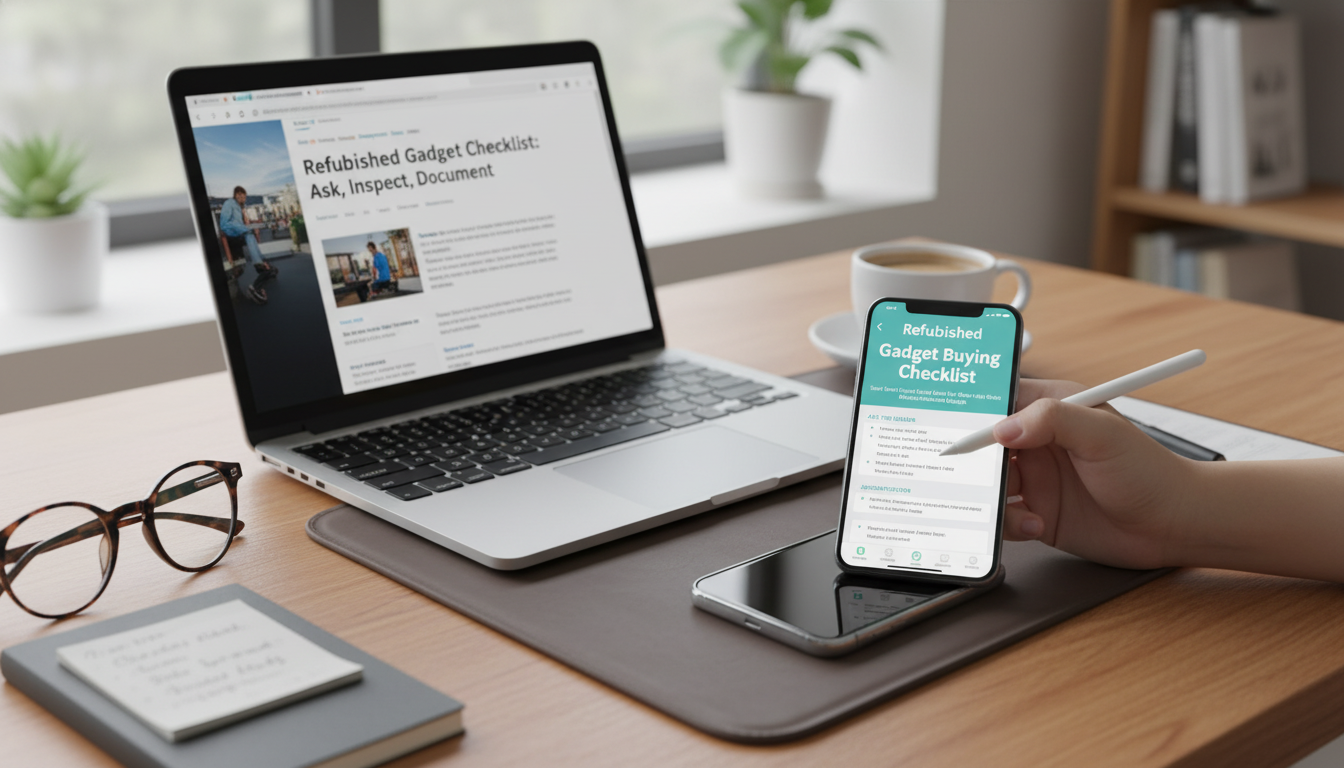
Refurbished phones, laptops, tablets, wearables, and smart-home gear can deliver serious savings—when the device has been properly tested, reset, and supported after purchase. The difference between a smart deal and an expensive headache usually comes down to a few confirm-or-walk-away details: who refurbished it, what “tested” actually covered, whether locks are removed, and how returns and warranties work in real life.
Use the checklist below to guide what to confirm before you pay, what to inspect the moment it arrives, and what to save so returns and warranty claims stay simple.
“Refurbished” is not a single standard across every marketplace. Two listings can use the same label while delivering totally different outcomes. Start by verifying the refurbishment source and the exact condition language used.
| Label on listing | Often implies | Questions to ask |
|---|---|---|
| Manufacturer refurbished | Factory processes, standardized testing | Is the warranty manufacturer-backed? Is the serial eligible for official support? |
| Seller refurbished | Varies by seller and process | What tests were run? What parts were replaced? Is there a written checklist/report? |
| Open-box | Returned item, may be barely used | Why was it returned? Was it inspected? Any missing accessories? |
| Used | No standard testing or reset guarantee | Can you provide proof of reset/unlock? Any known faults or repairs? |
A quick message to the seller can eliminate the most common failure points: wrong variant, hidden locks, weak battery, or a warranty that doesn’t actually help. Ask direct questions and keep the answers in writing.
For background on common refurbished/resale shopping pitfalls, the Federal Trade Commission has a helpful consumer overview: Federal Trade Commission: Shopping for Refurbished, Resale, and Used Goods.
For lock-related specifics, review Apple Support: Activation Lock and Google Help: Factory Reset Protection on Android so you know what “removed” should look like during setup.
The best time to find problems is before you move your data, throw away packaging, or miss the return deadline. Plan a fast, systematic check the same day it arrives.
If anything is off, stop setup, document it, and start the return or exchange process immediately. A week of “maybe it’s fine” often becomes a missed return window.
Refurbished deals go smoother when the paperwork is organized. The goal is to make every claim “point-and-prove” instead of “he-said, she-said.”
Check out the Refurbished Gadget Buying Checklist (instant download) for a fill-in-friendly layout that covers seller Q&A, arrival-day testing, and documentation (serial/IMEI, warranty terms, and return deadlines).
If you also like having a simple routine for staying disciplined during the return window (testing quickly, documenting issues, and following through), the Positive Attitude Starter Pack | 3-in-1 Digital Bundle can be a helpful companion for building consistent habits—especially when you’re juggling multiple purchases and deadlines.
Often, yes—because “refurbished” typically implies some level of inspection/testing and sometimes replaced parts, and it may include a warranty. The key is verifying who refurbished it and confirming the return and warranty terms in writing.
Start with lock status and setup completion, then confirm the serial/IMEI matches the invoice and listing. Next, test charging/ports, screen/touch, cameras/mics/speakers, connectivity (Wi‑Fi/Bluetooth/cellular), and battery diagnostics—while documenting everything with photos or video before heavy use.
Higher is always better, but a practical target for refurbished phones is roughly 85%+ battery health if the seller doesn’t state “new battery,” and for laptops, a low cycle count with stable runtime matters more than a single number. If the device drains unusually fast, runs hot while charging, or shows very low health/cycles for the price, request a return or a battery replacement option immediately.






Leave a comment