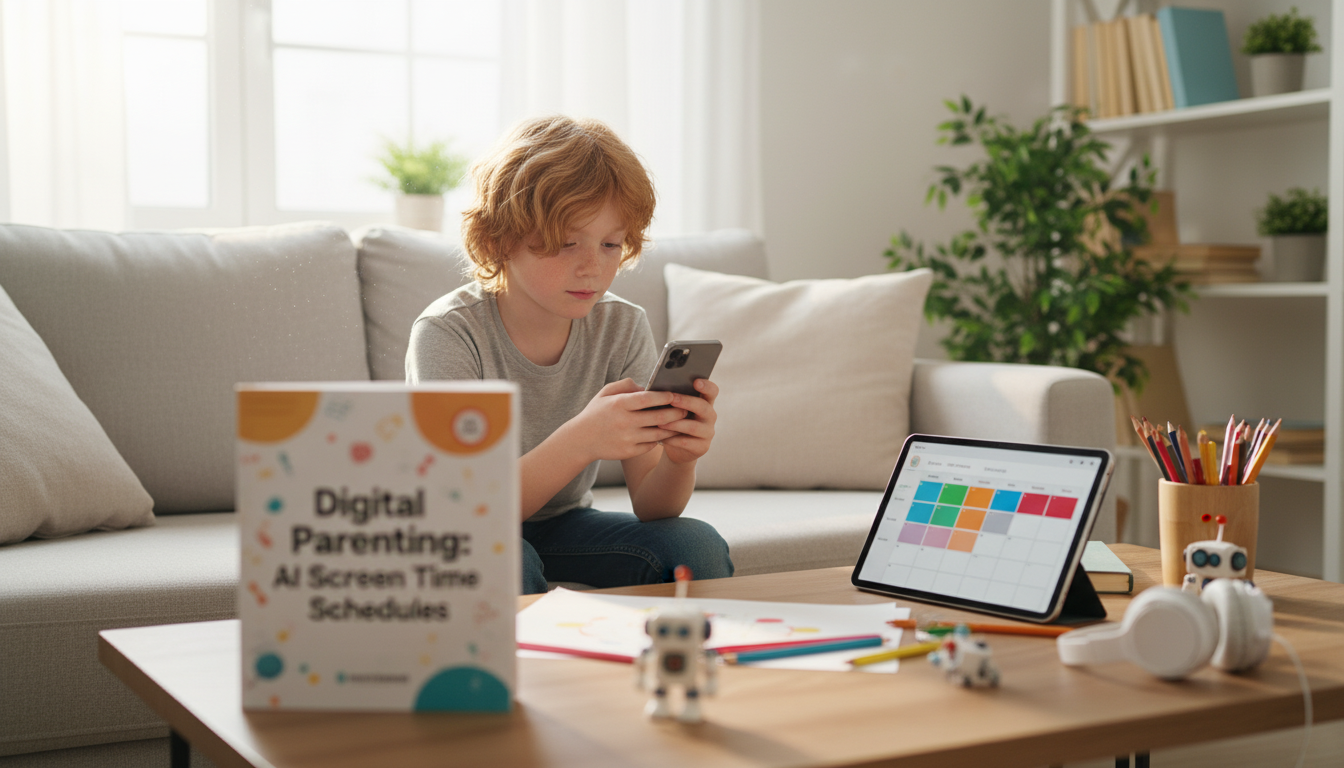
Smart screen time focuses on quality, timing, and purpose—not just minutes. With clear family rules and an AI-assisted schedule, kids can enjoy technology while protecting sleep, school focus, movement, and offline connection.
Smart screen time is less about “counting every minute” and more about building a rhythm that supports real life. The goal is to make screens a tool—sometimes fun, sometimes useful—rather than the default activity.
Many children aren’t “choosing poorly”—they’re responding normally to technology designed to hold attention, often while they’re still developing the brain skills needed to stop and switch tasks.
When screen rules feel personal (“You’re always on that device!”), conflict spikes. A simple framework keeps the focus on family priorities, not blame.
Choose what screens can’t disrupt: bedtime, meals, schoolwork, and device-free zones (often bedrooms and the dinner table). Many families also protect the last 60 minutes before sleep to support wind-down.
Not all screen time is equal. Favor activities that teach, create, or connect—coding, drawing, music practice, collaborative games, or educational videos watched with a parent.
Kids need real downtime. When a schedule includes a clear leisure window, it reduces power struggles and sneaky “just one more” behavior. Use one daily check: “What needs to happen before screens?”
AI can help turn your family’s realities—school hours, sports, commutes, dinner, and bedtime—into a schedule that’s consistent without being rigid. The key is to use AI for planning options, then set final rules as a parent.
| Day type | After school | Evening | Device-free | Notes |
|---|---|---|---|---|
| School day | Snack + decompress (15–30 min), then homework block | Leisure screen window (30–60 min), then family/reading | Meals, bedrooms, last 60 min before bed | Entertainment unlocks after responsibilities |
| Activity day | Practice/club, short check-in screen (10–20 min) | Creative or social screen (30–45 min) | Car rides (optional), bedtime wind-down | Protect sleep on busy days |
| Weekend | Morning chores, then longer screen block (60–120 min) | Family time + optional movie/game night | One outdoor block, meals | Use an “earn then enjoy” rhythm |
For movement targets that support mood and attention, the CDC recommends children and adolescents get regular physical activity suited to their age—details here: CDC: Physical Activity for Children.
For a customizable template many families use as a starting point, see the American Academy of Pediatrics Family Media Plan.
For adolescents and social platforms specifically, it also helps to understand current guidance on risks and supports: American Psychological Association: Social Media Use in Adolescence.
It depends on age and the day, but “appropriate” usually starts by protecting sleep, schoolwork, physical activity, and family connection first. Focus on quality and timing (what they’re doing and when) and align expectations with pediatric guidance for your child’s stage.
AI can generate multiple realistic schedule options (school day vs. weekend), suggest buffer time for transitions, and help plan exceptions like travel or sick days. Parents still set the boundaries, but AI can make the plan clearer, more consistent, and easier to adjust.
Use calm, consistent consequences tied to the agreement (for example, losing a privilege or starting downtime earlier the next day), then do a quick reset conversation about what to change next time. The goal is predictability and learning, not escalating punishments.







Leave a comment