Multi-Use Rooms That Stay Calm: A Practical System for Creating Functional Zones
A room that has to do everything can quickly feel like it does nothing well. The fix usually isn’t more furniture—it’s clearer zones, smoother transitions between activities, and a simple “reset” plan that keeps each area ready for its next job. The goal is a space that supports work, rest, play, and storage without constant rearranging (or the lingering feeling that you’re always “in the middle of something”).
Start with a function map (before moving anything)
Before you shift a sofa or buy a shelf, map what the room is truly responsible for. This keeps decisions grounded in daily reality instead of “maybe someday” scenarios.
- List the top 3 activities the room must support (example: work, workouts, guests). Keeping it limited protects the room from becoming a catch-all.
- Note when each activity happens (morning/evening, weekdays/weekends). Time-based overlap is your best friend—one footprint can serve different jobs at different hours.
- Measure the room and sketch fixed constraints: doors, windows, vents, radiators, outlets, plus traffic paths that must stay open.
- Define “must-stay-set” items (desk, bed, sofa) versus “can-pack-away” items (yoga mat, folding table, hobby supplies).
- Decide what success looks like: faster changeovers, less visual clutter, fewer trips to other rooms, or better focus.
Create zones without building walls
Zoning is less about blocking space and more about giving your brain clear signals: “This is where I do X.” The trick is creating boundaries that feel intentional but don’t make the room feel smaller.
Zone boundaries that don’t shrink the room
| Boundary tool |
Best for |
Tip that prevents clutter |
| Area rug |
Separating lounge vs. desk |
Match rug size to furniture footprint so the zone looks intentional |
| Curtain or ceiling track |
Hiding a bed or storage wall |
Choose a light fabric to keep airflow and brightness |
| Bookcase/open shelf |
Work corner privacy |
Keep the “back” of the shelf tidy so it looks finished from both sides |
| Lighting shift |
Switching from work to relax |
Put each zone on its own switch or smart plug for fast transitions |
| Wall color or art grouping |
Making a nook feel like a destination |
Repeat one accent color across zones to keep the room cohesive |
Choose furniture that supports fast changeovers
- Prioritize pieces that do one job exceptionally and a second job adequately (an ergonomic chair can move between desk and dining). For workstation setup basics, OSHA’s guidance is a practical reference: OSHA Computer Workstations eTool.
- Consider fold-away or nesting options for the least-used function (drop-leaf tables, stacking stools, folding screens).
- Look for “parking spots” for movable items: where the chair goes when the workout begins, where the folding table stores after guests leave.
- Use vertical space for secondary functions: wall-mounted desks, pegboards, and shelves keep floor area open for flexible zones.
- Avoid bulky multi-function pieces that are hard to reconfigure; flexibility matters more than features.
Storage that matches behavior (not aspirations)
Lighting and acoustics: the quiet difference between chaos and calm
- Layer lighting: one ambient source, one task light per work/reading area, and one softer lamp for wind-down mode.
- Use warmer light for lounge areas and neutral light for focus zones; put each on separate controls when possible. For energy-smart options, see: U.S. Department of Energy – Lighting Choices.
- Reduce echo with soft materials: curtains, rugs, upholstered seating, and fabric wall hangings.
- If calls or study sessions happen here, place the desk away from the noisiest wall and add a soft surface behind the chair to reduce reflections.
- Use a single “visual cue” to signal mode changes (desk lamp on = work; lamp off + floor lamp on = relax).
Reliable room templates (pick one and customize)
A guided system for building functional zones (3-in-1 bundle)
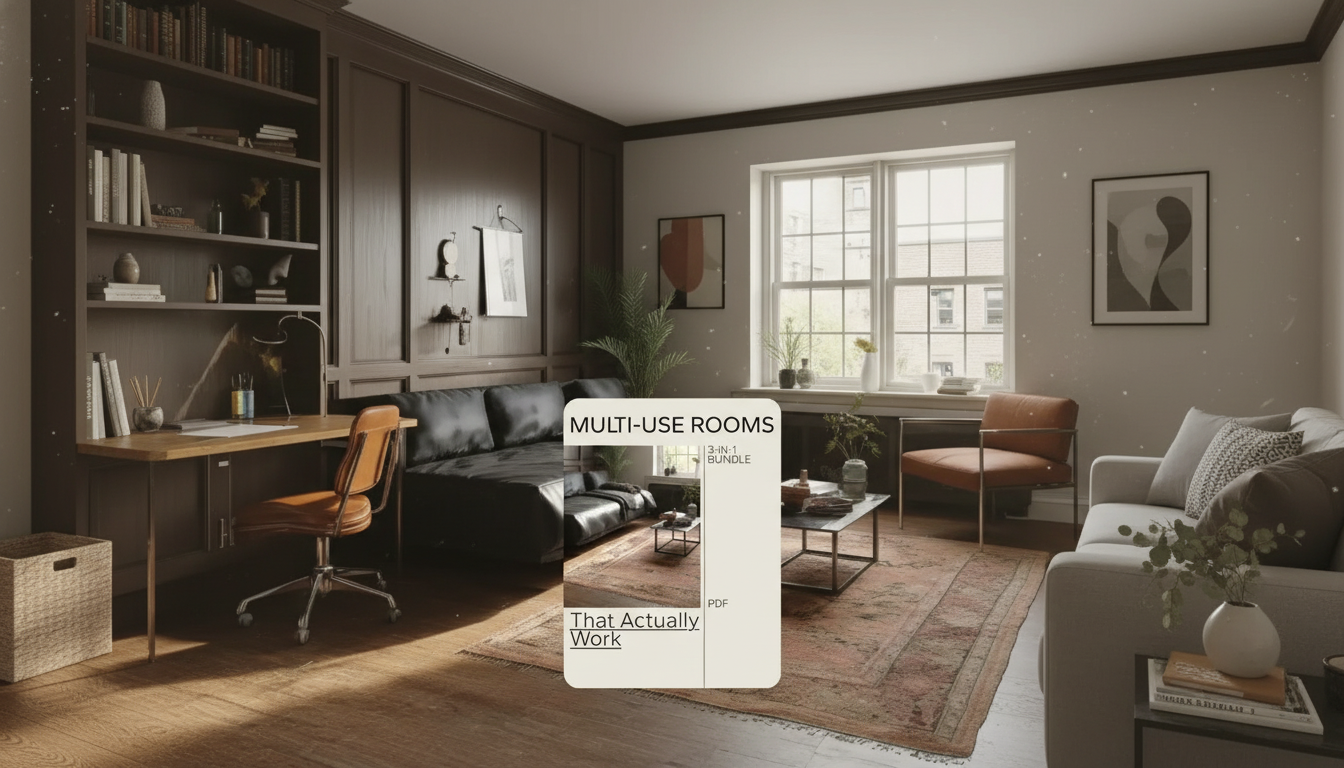
- Designing Multi-Use Rooms That Actually Work: 3-in-1 Bundle for Creating Functional Zones helps define what stays out, what gets hidden, and what can share space by time of day.
- Use quick layout checklists to evaluate traffic flow, sightlines, storage distance, and the ease of resetting the room.
- Build a consistent look across zones using repeat elements (color, materials, and lighting style) so the room feels unified, not patched together.
- Turn the room into “default mode” + “switch mode” so everyday life doesn’t require constant decision-making.
- For rooms that also double as a recovery corner (stretching, breathwork, mobility), pairing the space with a simple routine can help: Yoga Techniques for Full Relaxation and Recovery: 4-in-1 Digital Download Bundle.
- And if your multi-use space is where people gather, having ready-to-go activities can keep the room feeling purposeful rather than chaotic: Creative Games and Challenges for Thanksgiving | Fun Thanksgiving Games or Challenges eBook.
FAQ
How many zones should a multi-use room have?
Two to three primary zones is the sweet spot for most homes. More zones usually increase clutter and transition time, so prioritize the most frequent activities and combine low-frequency tasks into one flexible “swing” zone.
What’s the easiest way to make a workspace disappear after hours?
Use closed storage for work items, keep a dedicated drop bin for daily odds and ends, and manage cables so nothing visually “spills” into the room. A simple lighting cue—task lamp off, warmer lamp on—helps your brain shift out of work mode, and a screen or curtain can add instant separation if needed.
How can a small room feel less cluttered when it has to do multiple jobs?
Rely on vertical storage, keep walkways clear, and assign parking spots for anything that moves (chair, folding table, workout gear). Limit decor to a cohesive palette and use a quick reset routine so surfaces stay mostly open between activities.
Recommended for you






Leave a comment