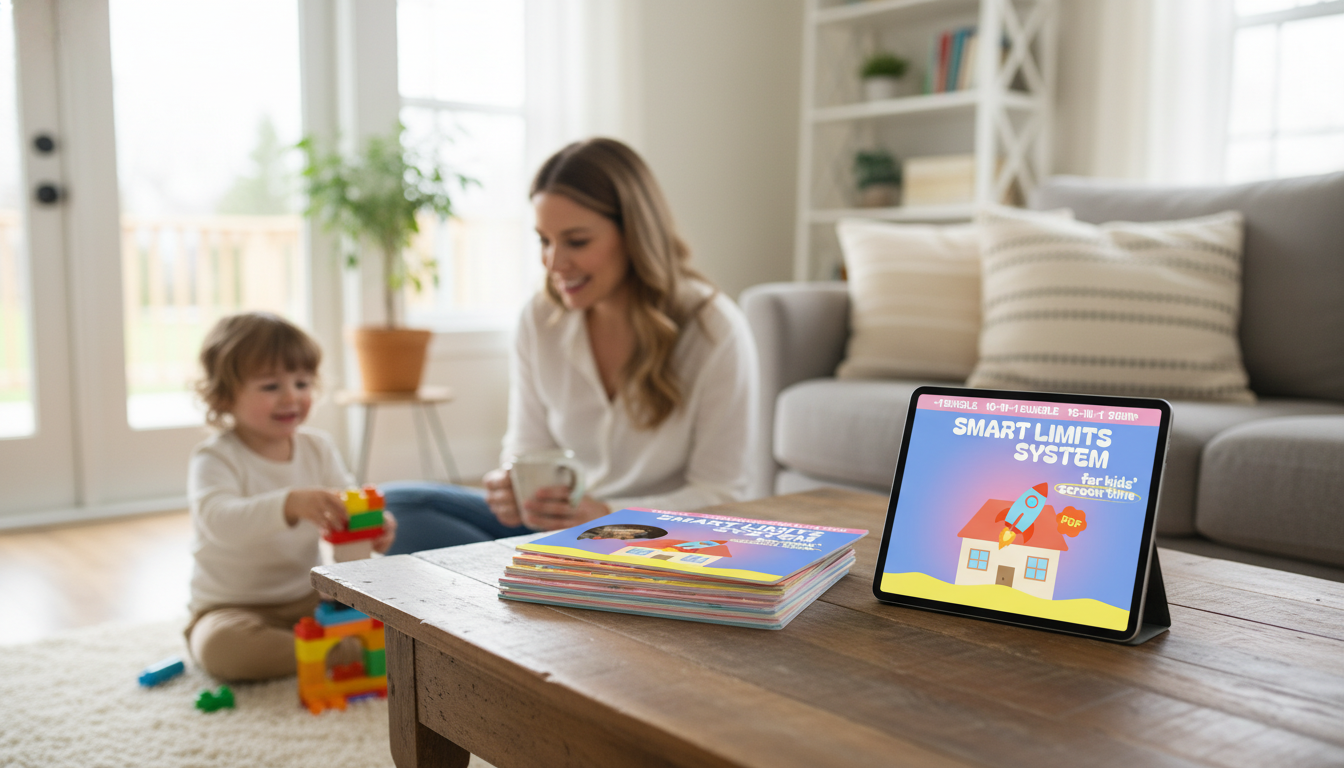
A screen-time plan works best when it’s clear, consistent, and easy to follow on busy days. The Smart Limits System for Kids’ Screen Time – 10-in-1 Digital Download Bundle is built to help families set boundaries, build healthier device habits, and reduce daily negotiation by turning expectations into simple routines and agreements. Instead of relying on willpower (yours or your child’s), the system focuses on predictable rules, smoother transitions, and follow-through that feels fair.
Many screen-time struggles aren’t really about screens—they’re about unclear expectations, inconsistent follow-through, and tough transitions. A structured plan helps reduce conflict because kids know what’s coming and adults have a shared script.
For added guidance, the American Academy of Pediatrics offers a helpful framework for creating a family plan: American Academy of Pediatrics – Family Media Plan.
A strong plan doesn’t need to be complicated—it needs to be repeatable. This bundle brings together tools that help you set limits, introduce them calmly, and keep the system running even when schedules get messy.
| Component | Best time to use it | Outcome it supports |
|---|---|---|
| Family screen-time agreement | Kickoff meeting (15–30 minutes) | Clear expectations and fewer arguments |
| Daily/weekly tracker | First 2–3 weeks | Awareness and consistency |
| After-school routine plan | School days | Homework and downtime balance |
| Transition/off-screen checklist | Before ending a session | Smoother device shutdowns |
| Consequences & privileges guide | When rules are tested | Predictable follow-through |
The easiest rules to enforce are short, observable, and tied to daily priorities. Start with a few guardrails that protect sleep and responsibilities, then build from there.
Sleep tends to improve when evenings are predictable and screens end consistently. For practical sleep hygiene basics, see: Centers for Disease Control and Prevention – Sleep and Sleep Hygiene.
Use these as starting points, then adjust for school needs, temperament, and pediatric guidance. A helpful first step is to track current usage for a week before changing anything—many conflicts ease once everyone agrees on what “a normal day” actually looks like.
| Age range | Weekday entertainment use | Weekend entertainment use | Helpful guardrails |
|---|---|---|---|
| 2–5 | Short sessions with a caregiver present | A little more flexibility | Co-view, keep devices out of bedrooms |
| 6–9 | Limited blocks after responsibilities | Planned blocks with breaks | Device-free meals; screens off well before bedtime |
| 10–12 | Agreed daily cap tied to homework/chores | Longer windows with time outside | No devices during homework unless required |
| 13–17 | Co-created plan focused on sleep and priorities | Flexible plan with accountability | Charging station outside bedroom; regular check-ins |
For younger kids, it can also help to align daily rhythms with movement and rest recommendations. Reference: World Health Organization – Guidelines on physical activity, sedentary behaviour and sleep for children under 5 years of age.
Screen-time boundaries often go hand-in-hand with better sleep and smoother evenings. If your family is also working on winding down at night, consider pairing your plan with Guided Imagery Toolkit for Sleep and Relaxation – 4-in-1 Bundle for Restful Nights. For households balancing multiple kinds of daily stressors, Pet Stress Relief Toolkit for Happier, Relaxed Pets – 5-in-1 Bundle of Guide, eBooks, and Checklist can support calmer routines too—especially during transitions like school-year schedule changes.
The structure can be adapted from early childhood through the teen years by adjusting the rules, independence level, and accountability tools. Younger kids typically need more caregiver involvement, while teens do best with a co-created plan and regular check-ins.
Many families notice improvement after a consistent 1–3 week period, especially when routines are predictable and consequences are steady. The biggest shift often comes when kids trust that the rules won’t change day to day.
No—parental controls can help enforce boundaries, but agreements and routines build habits, communication, and self-regulation. Using both together usually works best: the agreement sets expectations, and controls act as a backstop.







Leave a comment