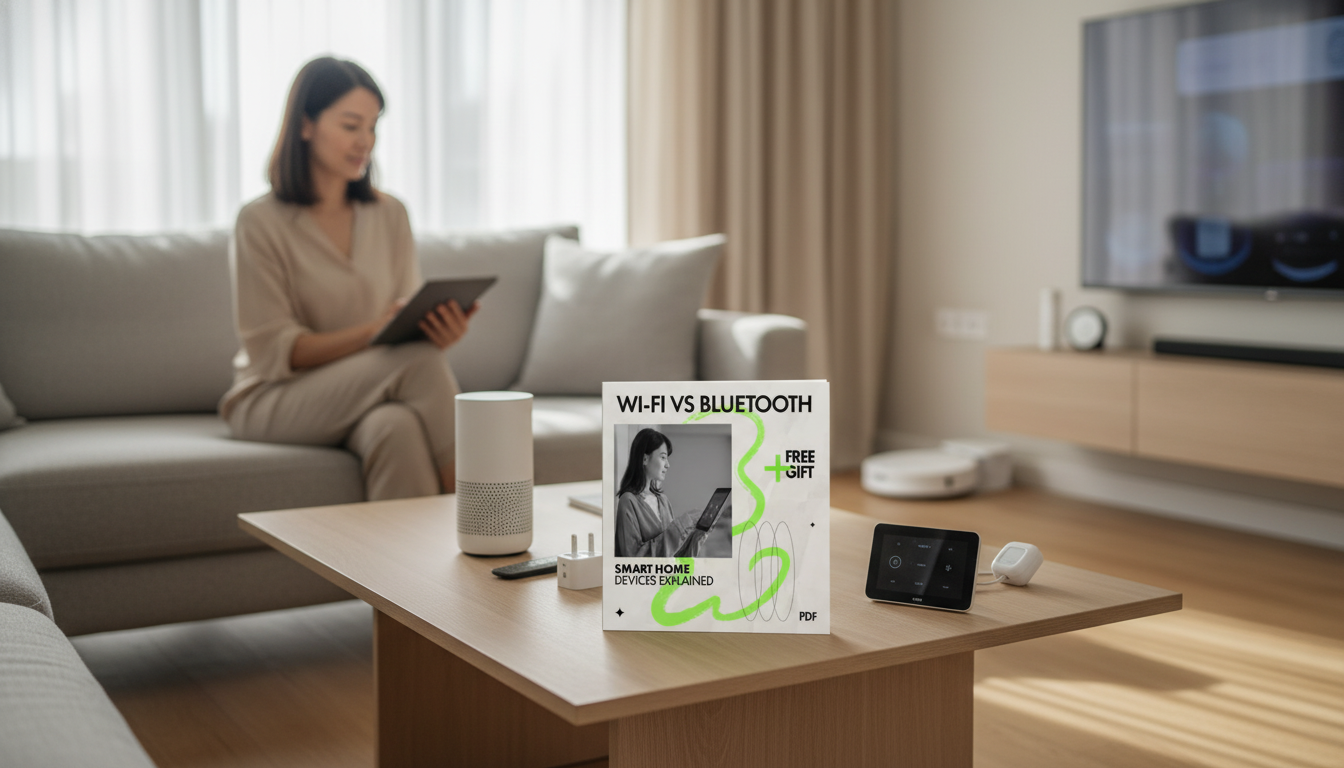
Smart home gear often comes in two familiar flavors: devices that join the home Wi‑Fi network and devices that connect over Bluetooth (often Bluetooth Low Energy). The best choice depends less on brand and more on where the device will live, how it will be controlled, and how reliable it needs to be when the internet is down. This guide breaks down the real-world tradeoffs—range, speed, battery life, reliability, security, and setup—so each device type in a home (lights, locks, sensors, speakers) ends up on the right connection.
Wi‑Fi smart devices connect to the same network as phones and laptops. That usually means they can be controlled over the local network and/or through a cloud app, and they can handle much higher data throughput—useful for anything that streams audio/video or reports frequent updates.
Bluetooth smart devices typically connect directly to a nearby phone/tablet or to a dedicated hub/bridge that stays in range. Many are designed for low power and intermittent communication, which is why Bluetooth Low Energy (BLE) shows up so often in sensors, buttons, and battery-powered accessories.
Some products are “dual-radio” (Wi‑Fi + Bluetooth). In those cases, Bluetooth is commonly used for fast onboarding (pairing during setup), then the device switches to Wi‑Fi for normal operation. There are also “Bluetooth mesh” and hub-based Bluetooth setups that can extend coverage, but the real-world capabilities vary by vendor and device category.
In practice, the connection method affects more than speed: it changes automation reliability, battery replacement schedules, and whether control logic lives on a phone, a hub, or in the cloud.
Wi‑Fi is usually the right tool when a device needs frequent communication, higher bandwidth, or straightforward remote access—think cameras, smart displays, voice assistants, streaming sticks, and many thermostats. Bluetooth/BLE tends to win when the device should sip power and send small bursts of data—door/window sensors, temperature sensors, trackers, and simple remotes.
Coverage is the other big divider. Wi‑Fi performance depends on router placement, building materials, and congestion (especially on 2.4 GHz). Bluetooth depends heavily on distance and obstacles unless you add a hub/bridge or a mesh-style solution designed to keep devices within a reliable “bubble” of connectivity.
| Decision factor | Wi‑Fi devices | Bluetooth / BLE devices |
|---|---|---|
| Range in a typical home | Strong with good router/mesh; can cover whole home | Best in-room to nearby rooms; better with hub/mesh support |
| Battery life | Often needs mains power or frequent charging | Designed for long battery life (months/years) in many sensors |
| Speed / bandwidth | High—good for audio/video and frequent updates | Low—good for small messages and state changes |
| Remote access | Common via cloud/app; local options depend on brand | Typically requires a hub/bridge for remote access |
| Setup experience | Can be simple but may involve passwords, 2.4/5 GHz quirks | Often quick pairing; onboarding varies by app/device |
| Network load | Many devices can burden router if overbuilt or cheap | Doesn’t load the Wi‑Fi router directly (unless bridged) |
| Best fits | Cameras, speakers, streaming, thermostats, hubs | Sensors, locks (sometimes), buttons, trackers, beacons |
When smart-home routines fail, the “radio” is often blamed—but the actual weak point is usually predictable. With Wi‑Fi devices, reliability problems frequently start at the router layer: weak signal zones, overloaded entry-level routers, or crowded 2.4 GHz airspace. Another common culprit is cloud dependency: even with strong local Wi‑Fi, a device may still need an internet connection to respond quickly because logic runs on a remote server.
Bluetooth devices reduce Wi‑Fi exposure, but they still need secure pairing practices and trustworthy apps/hubs. Avoid leaving devices in pairing mode longer than needed, and pay attention to how (and how often) the vendor ships firmware/security updates. For a practical baseline of what “reasonable security capabilities” look like, the NIST IoT core baseline is a helpful reference: NISTIR 8259A.
When comparing ecosystems, also consider where control happens. Local-first architectures (often hub-based) can reduce privacy leakage and keep automations functioning during internet outages. For the underlying standards, the official specifications and certification programs are worth knowing: Bluetooth Core Specification (Bluetooth SIG) and the Wi‑Fi Alliance Wi‑Fi CERTIFIED program.
No—Wi‑Fi is better for high-bandwidth or always-connected devices, while Bluetooth/BLE often wins for battery-powered sensors and simple controls when a hub or nearby controller is available.
Often yes for local control (phone-in-range or hub-local automations), but remote access typically requires a hub/bridge and an internet connection depending on the platform.
They can—especially with many devices or a weak router. A newer router/mesh system and separating IoT devices onto their own network can reduce congestion and improve stability.






Leave a comment